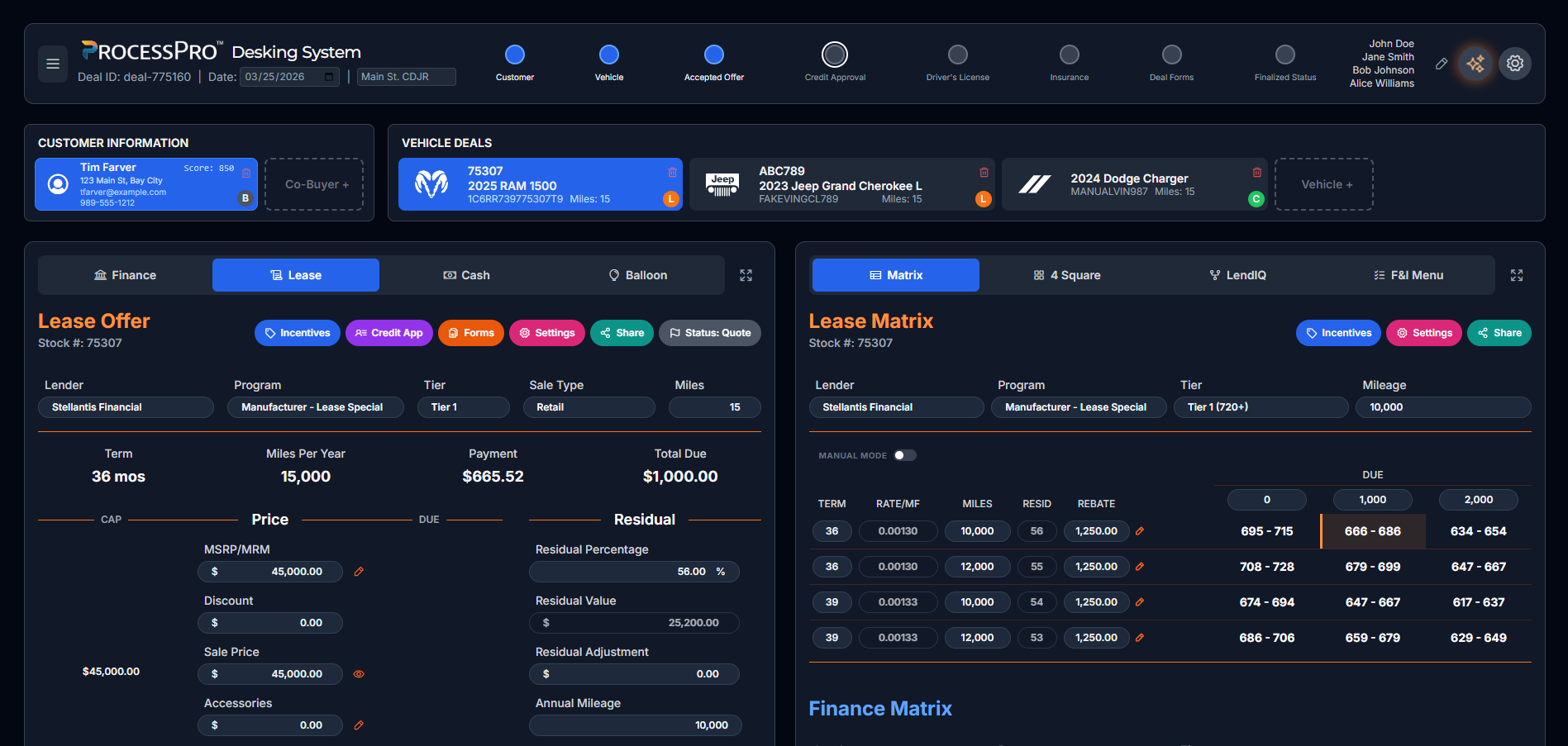
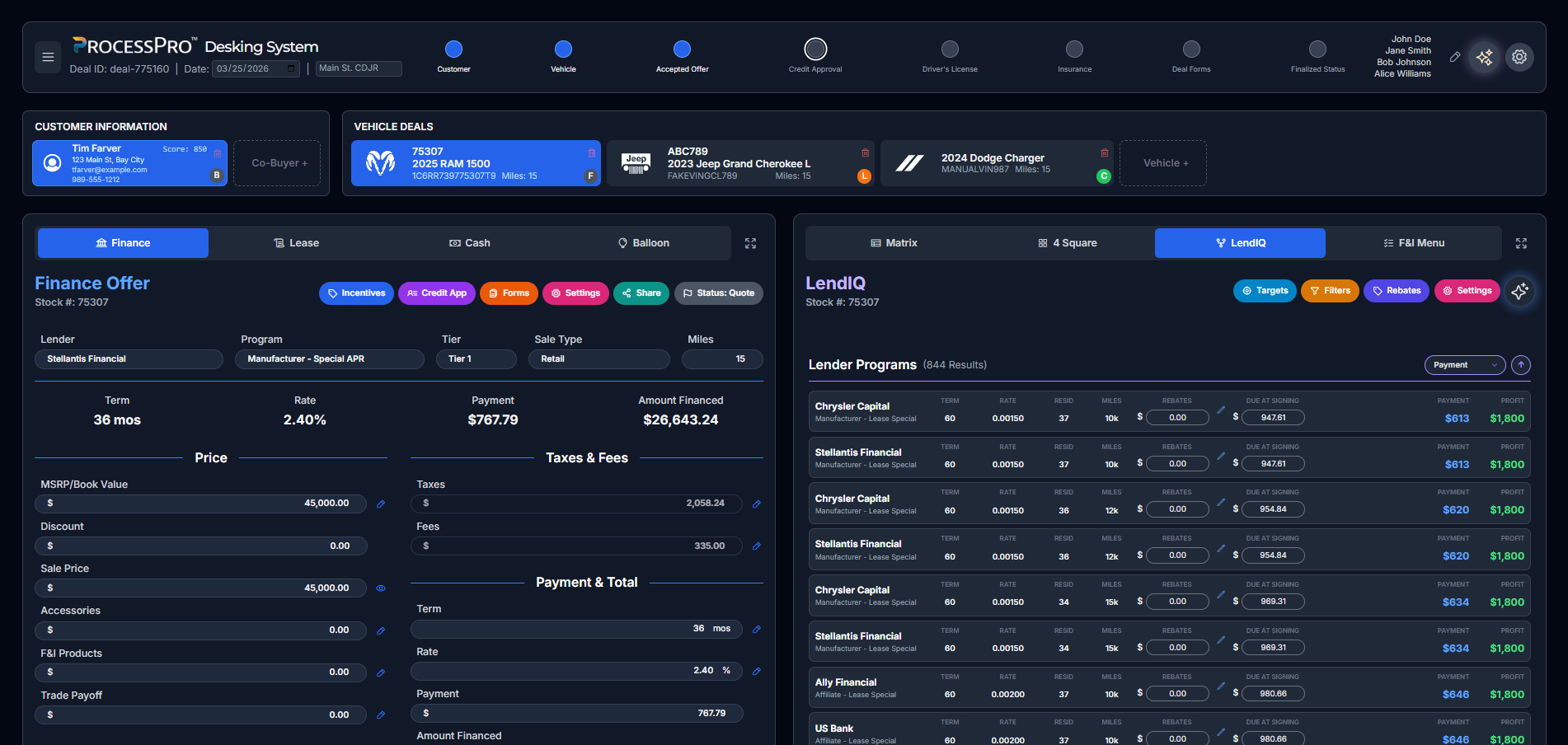
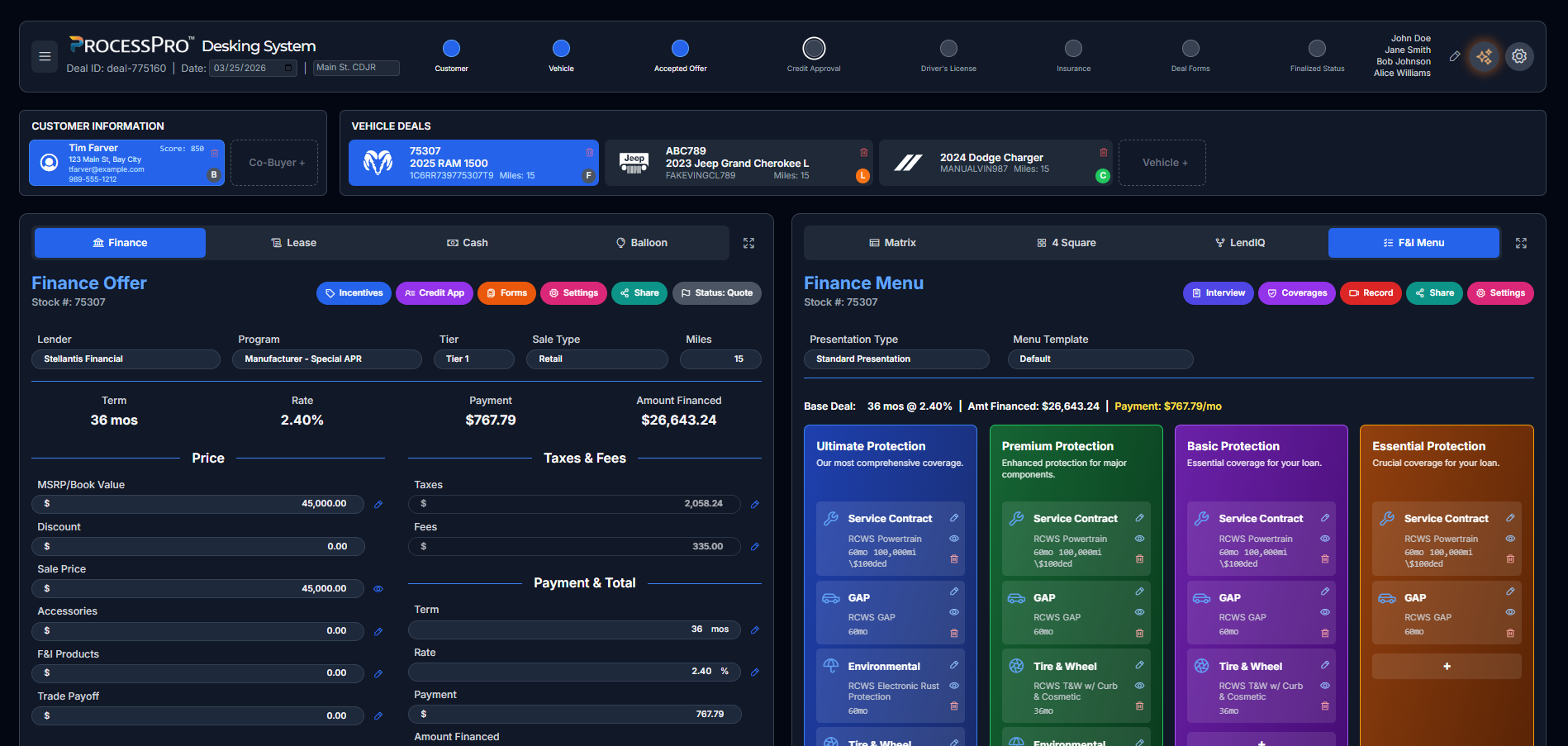
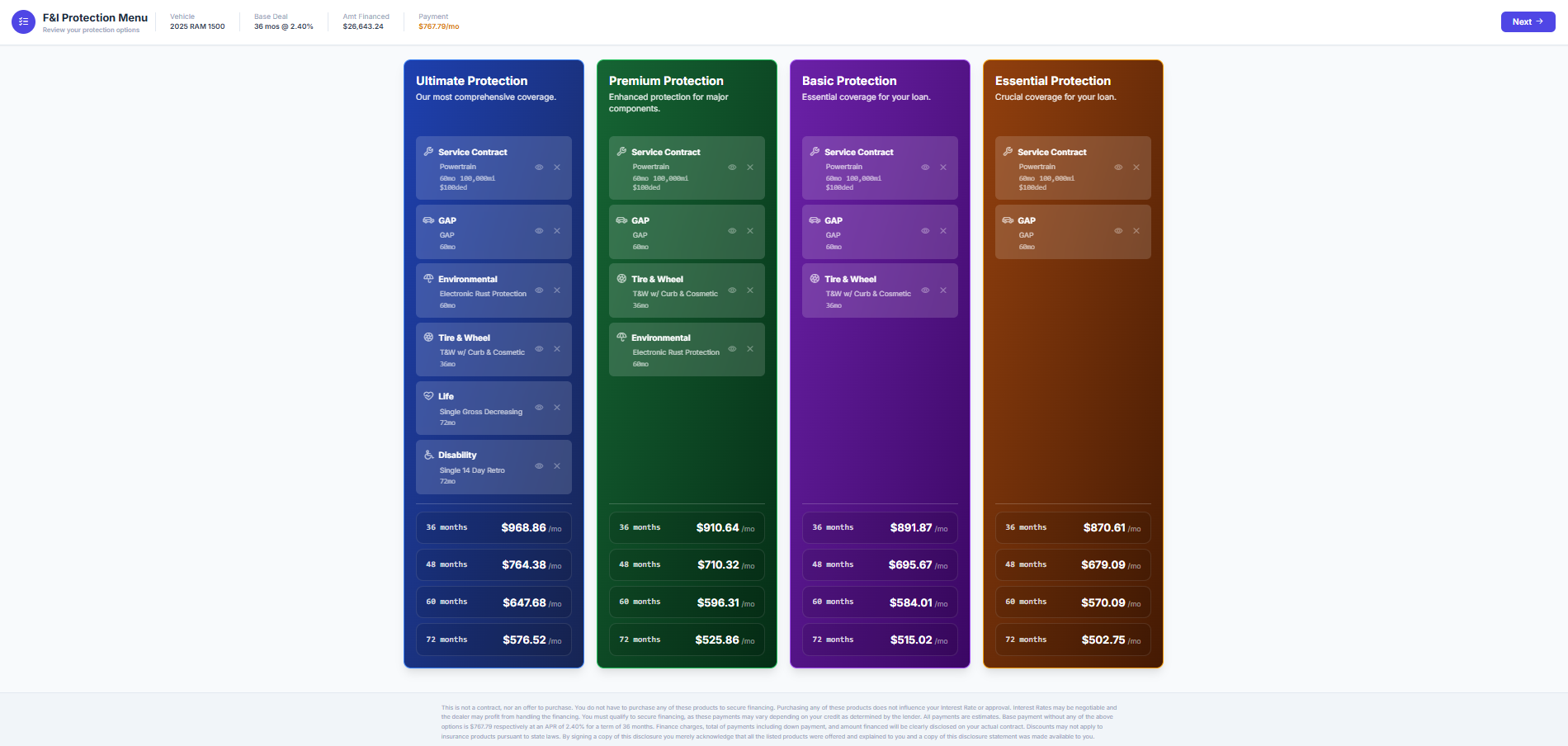
Maximize your profitability with cutting-edge technology designed to outpace the market.
Certified with 70+ Alliances & Integrations
Manufacturer Certifications
Technology Alliances & Integrations
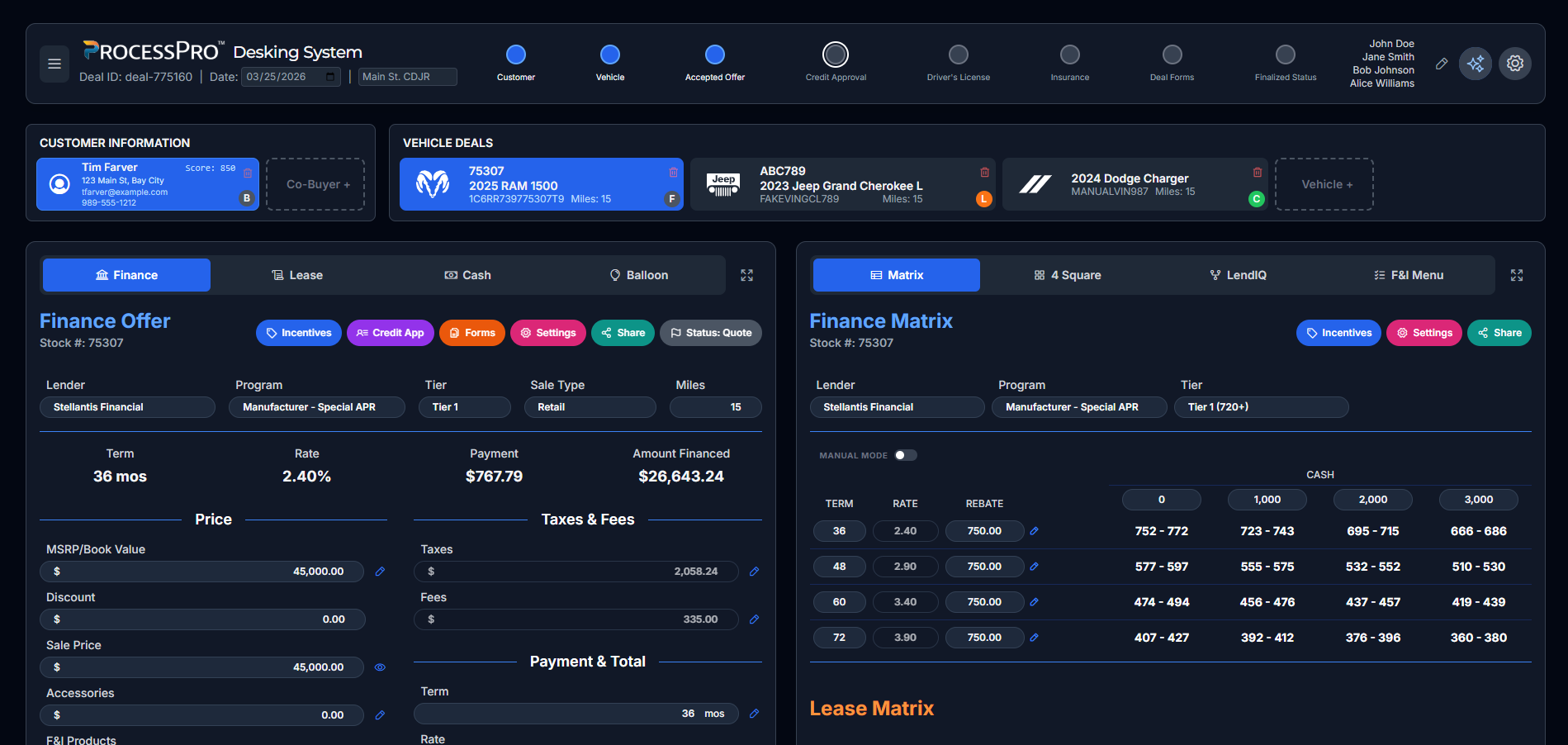
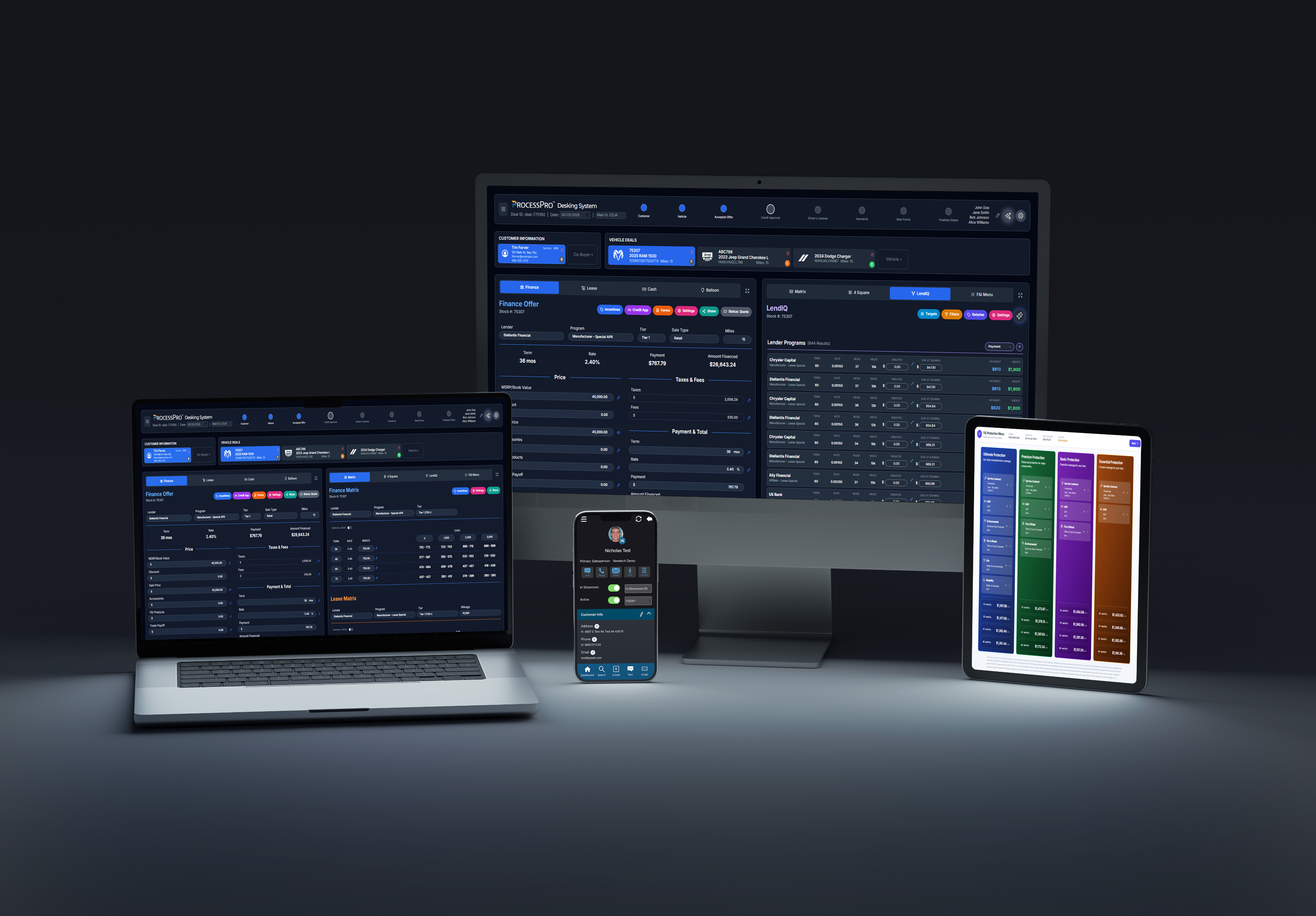
See ProcessPro in Action
Everything Your Dealership Needs
Built for Your Industry
Manage inventory, close deals faster, and grow your volume — all from one screen. ProcessPro DMS was built from the ground up for independent lots of any size.
Sam Messina
Motor Mall / Best Buy · Independent Auto
ProcessPro is certified with most manufacturers. Our CRM, ILM, Inventory, Desking, and F&I tools help franchise dealers systematize every department.

Neil Bondy
Harvey Automotive
Capture and manage leads, track customer preferences and purchase history, and schedule service appointments efficiently with ProcessPro.

Brandon Dolney
Dolney RV
Manage leads from all sources, track customer interactions, and maintain detailed service records for ATV, motorcycle, and recreational vehicle dealers.
Scott Campbell
My Powersports Group
From initial inquiries and boat showings to service appointments and warranty claims, every touchpoint is recorded. Build stronger customer relationships.
Marine Dealer
Marine Dealership
What Dealers Say
Before ProcessPro we were drowning in paperwork. Now everything — inventory, deals, commissioning — lives in one place. Our volume is up and our stress is down.
We run multiple rooftops and needed a system that could keep up. ProcessPro handles OEM integrations, CRM, and F&I all under one roof.
RV customers need a lot of hand-holding. ProcessPro keeps us on top of every lead and service appointment.
One system, one login, one view across all my locations. I don't know how we managed before ProcessPro.
Book a live demo with our team — no commitment required.
800-869-9929 · support@ntdealerservices.com · Bay City, Michigan
See ProcessPro in action. Fill out the form and our team will schedule a personalized walkthrough.
We typically respond within one business day.
Fill out the form below and our team will reach out.
Or call us directly: 800-869-9929
Add ProcessPro to your home screen for quick access — no app store needed.
Scan the QR code with your phone
Point your phone camera at the QR code below to open ProcessPro on your mobile browser.
Select "Add to Home Screen"
In the browser menu, tap the option to Add to Home Screen.
Tap "Add" to confirm
Tap Add in the prompt and ProcessPro will appear on your home screen like a native app.
Works on iOS and Android · No download required